









"Where do you offer customer service?" sounds like a simple operational question. In practice, it shapes retention, cost-to-serve, and how your brand is perceived at every stage of the customer journey. Choose the wrong mix of channels and you either burn budget on phone agents your customers do not want, or leave high-intent shoppers stranded with no human to answer "is this in stock?"
This guide breaks customer service into nine distinct types, each with a clear best-fit use case, cost profile, and trade-off. Use it to design a support stack that matches your customer base instead of copying generic frameworks built for enterprise call centers.
- One bad service experience is enough to lose a customer forever. 32% of customers stop doing business with a brand after just a single negative service interaction.
- Great customer service isn't just nice — it lets you charge more. Brands that consistently deliver positive experiences can command prices up to 16% higher than competitors.
- Choosing a service channel is actually a strategic business decision. Where and how support is delivered directly shapes retention, cost-to-serve, and long-term customer trust.
- Inbound call centers trade high margins for the safety of stable demand. Long-term contracts and consistent volume make inbound models a lower-risk entry point for new operators.
- AI and cloud tools are reshaping call centers, not making them obsolete. Modern software reduces operating costs and boosts agent productivity, keeping call centers profitable across e-commerce, SaaS, and healthcare.
What is customer service, and why do "types" matter?
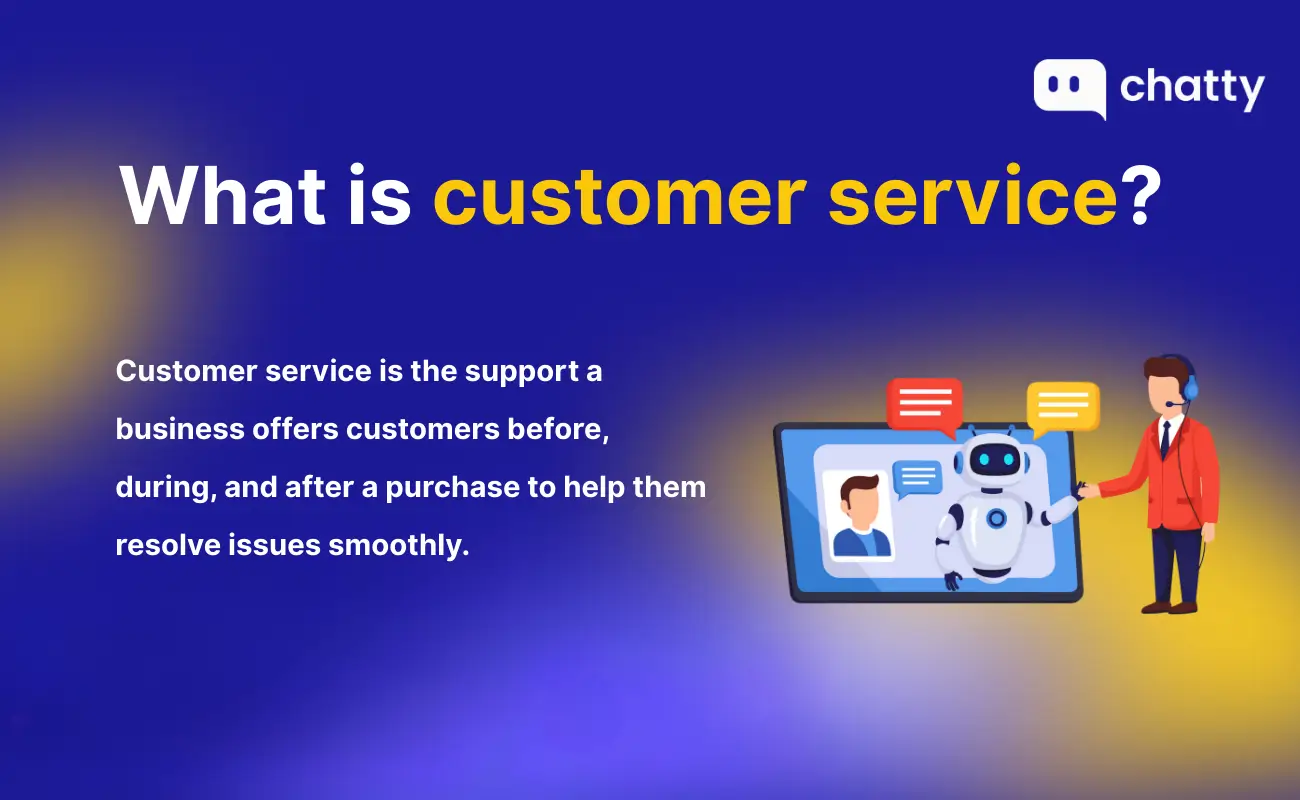
Customer service is the set of processes, tools, and interactions a business uses to support customers before, during, and after a purchase. The job is not only to fix problems. It is to remove friction, set clear expectations, and keep trust intact long enough for someone to buy again.
The reason "types" matter is that each channel handles those moments differently. 32% of customers stop doing business with a brand after just one bad experience, while brands that consistently deliver positive experiences can charge up to 16% more. Whether that experience is great or painful depends almost entirely on the channel you put the customer through and how well it is run.
To make sense of the landscape, support teams typically organize the available customer service terms across three lenses:
- Where support happens: chat, email, phone, social, mobile, community, or self-service.
- How support is delivered: reactive (waiting for tickets), proactive (reaching out first), or self-service (the customer answers themselves).
- How it fits the business: customer expectations, ticket volume, and the cost-to-serve your unit economics can sustain.
The nine types below are the practical channels you can choose from. Each section explains what it is, who it fits, and the real trade-off you accept by picking it.
How to think about types of customer service: by channel and by approach
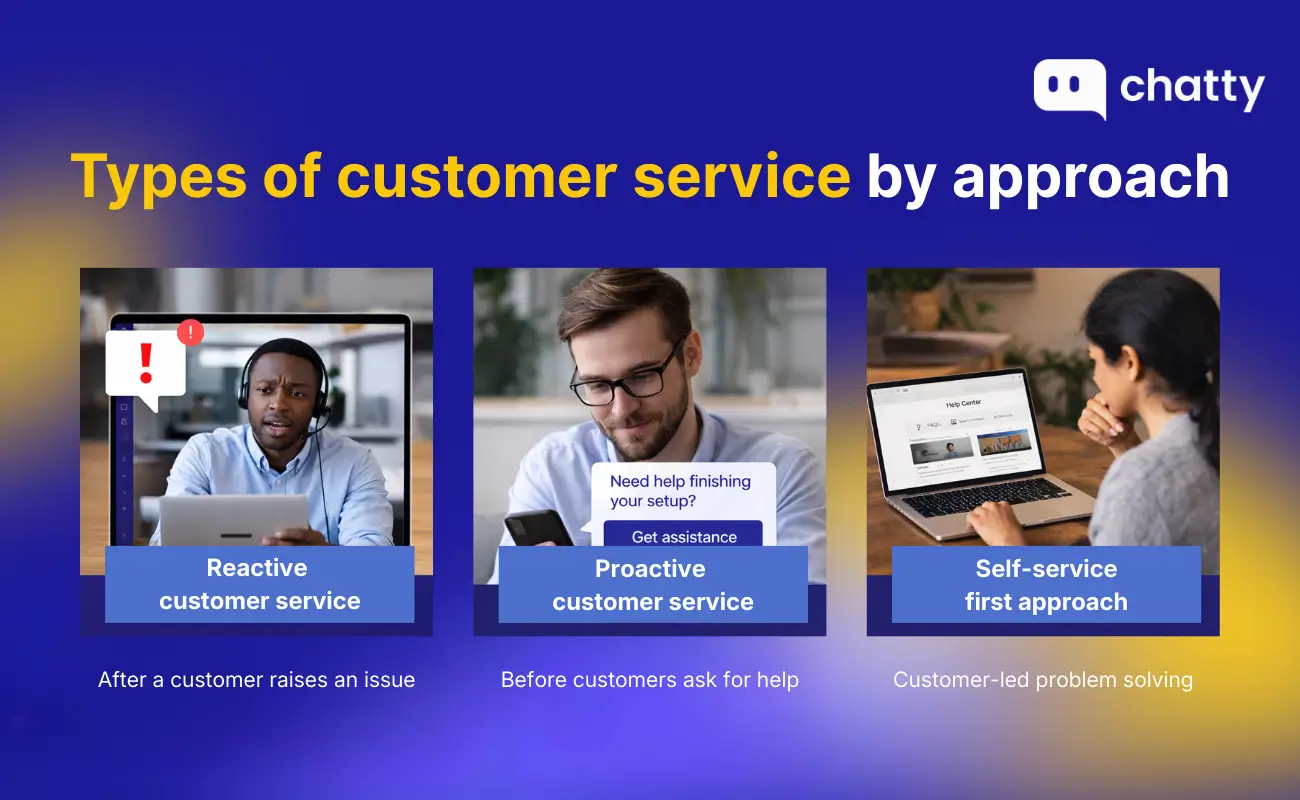
Most "types of customer service" lists are channel-only and skip the part that actually shapes outcomes: the approach. The same channel runs very differently depending on whether your team is reacting, anticipating, or stepping out of the way entirely.
- Reactive: the customer initiates contact when something goes wrong. Most phone, email, and ticket systems default to this. Fast and familiar, but you only see customers who bothered to complain.
- Proactive: you reach the customer first. Order-status updates, abandoned-cart messages, and chatbots that pop up on a stalled checkout all fall here. This is where proactive customer service turns service into a revenue lever instead of a cost center.
- Self-service: the customer answers themselves through a help center, FAQ, or smart search. Lowest cost per resolution, but only works when the content is genuinely current and findable.
With that lens in place, here are the nine channel types and where each fits.
9 types of customer service every business should understand
1. AI-powered chatbots
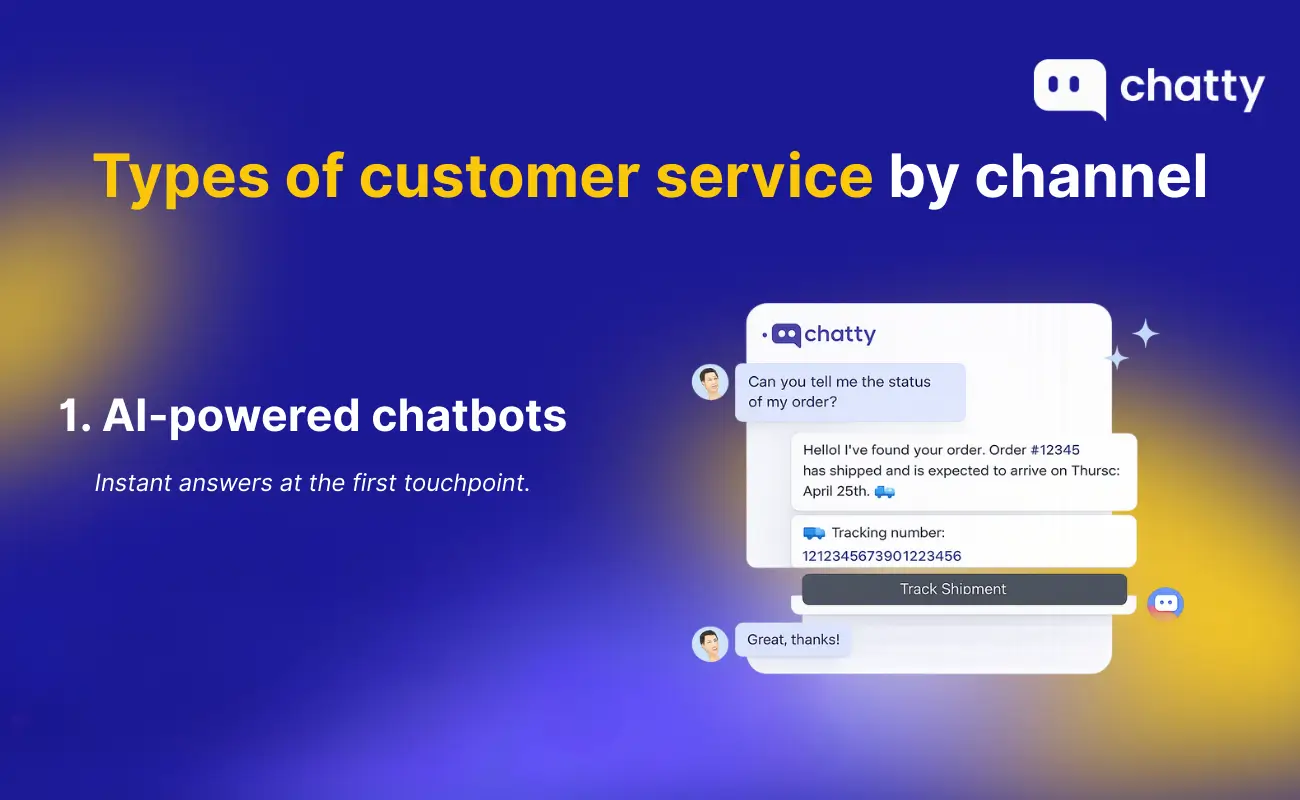
AI chatbots are software agents trained on your product catalog, policies, and past tickets. The current generation built on LLM chatbots can hold context across a conversation, recommend products, and hand off to a human only when needed.
Best for: 24/7 first-line response, FAQ deflection, and pre-purchase questions in ecommerce. Decathlon, for example, runs Chatty across more than 10,000 SKUs and resolves 96.6% of conversations without a human touching them.
Trade-off: a chatbot is only as good as the knowledge you feed it. Skip the training and you get a bot that frustrates more customers than it helps.
2. Live chat and messaging
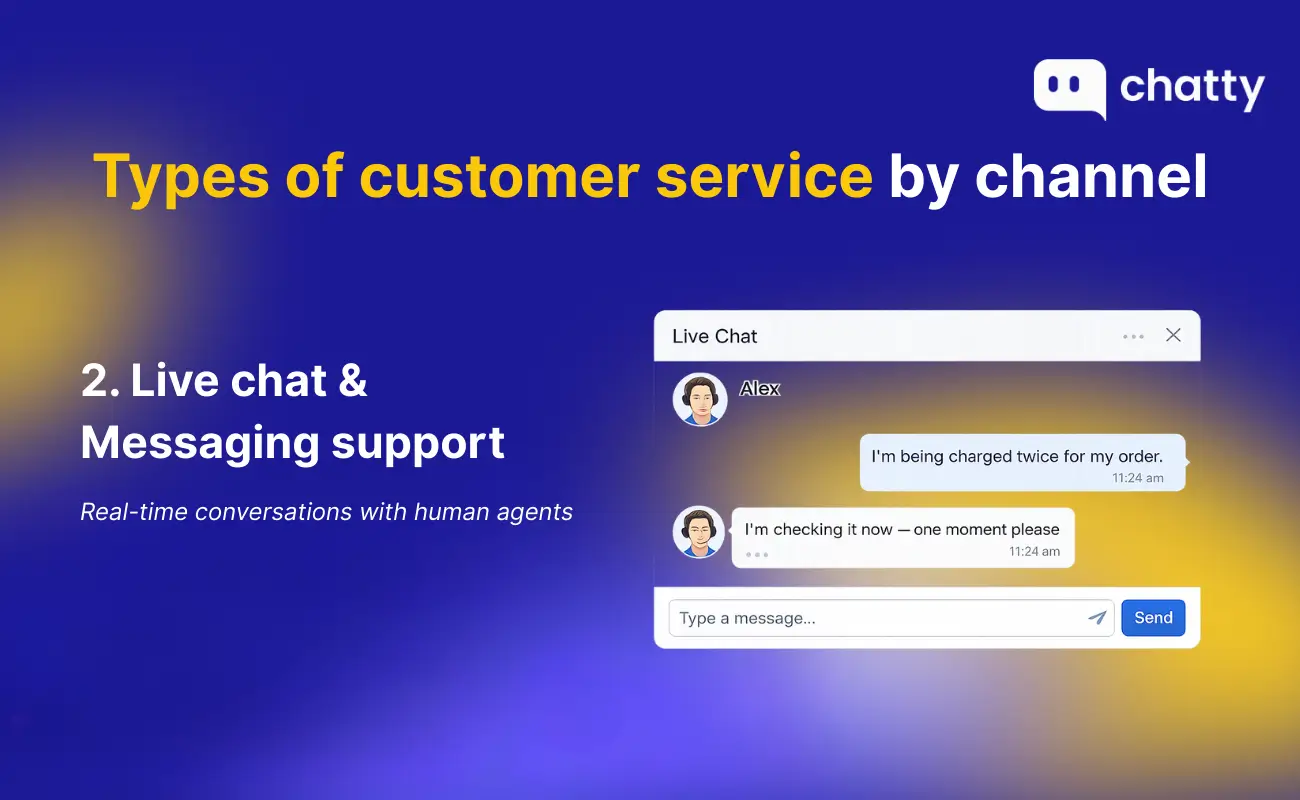
Live chat puts a real human in a chat widget on your site, usually backed by canned responses, customer history, and a queue. It is the highest-converting support channel in ecommerce because it catches shoppers at the exact moment of hesitation.
Best for: high-intent pre-purchase questions like sizing, fit, compatibility, and shipping windows. The trick is knowing when to use it versus a chatbot, which our chatbot vs live chat guide breaks down.
Trade-off: you need agents online during your traffic windows. Run live chat with no one staffing it and you signal "we ignore you" louder than not having chat at all.
3. Phone support
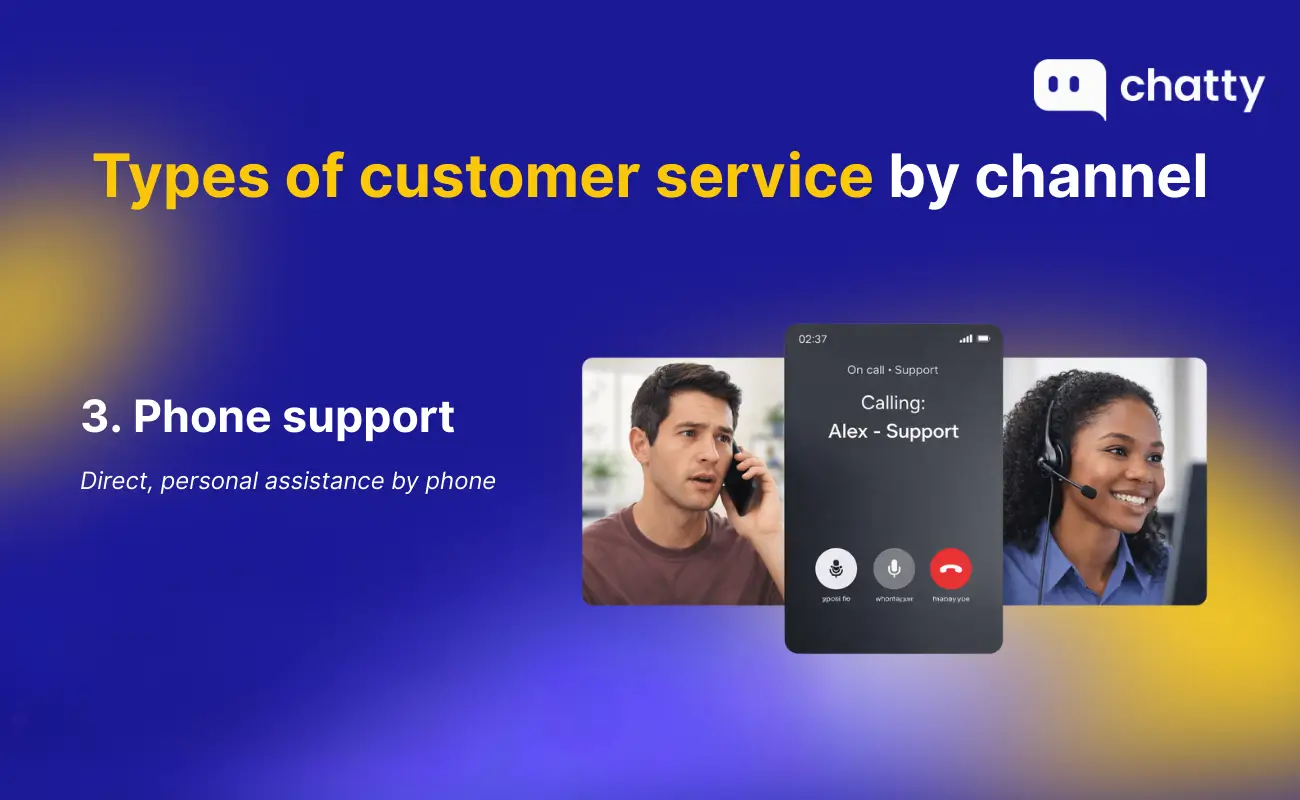
Phone support is the highest-cost channel per contact and the one customers reach for when an issue is urgent, complex, or emotional. Voice gives you tone, pacing, and the ability to de-escalate in ways text cannot.
Best for: high-LTV customers, complex multi-step problems, and demographics that prefer voice (older buyers, B2B accounts, regulated industries).
Trade-off: cost per resolution is several times higher than chat or email. Many ecommerce brands now use phone only for VIP segments or specific issues, and rely on chat for everything else. The live chat vs phone support comparison digs into when phone still earns its cost.
4. Email support
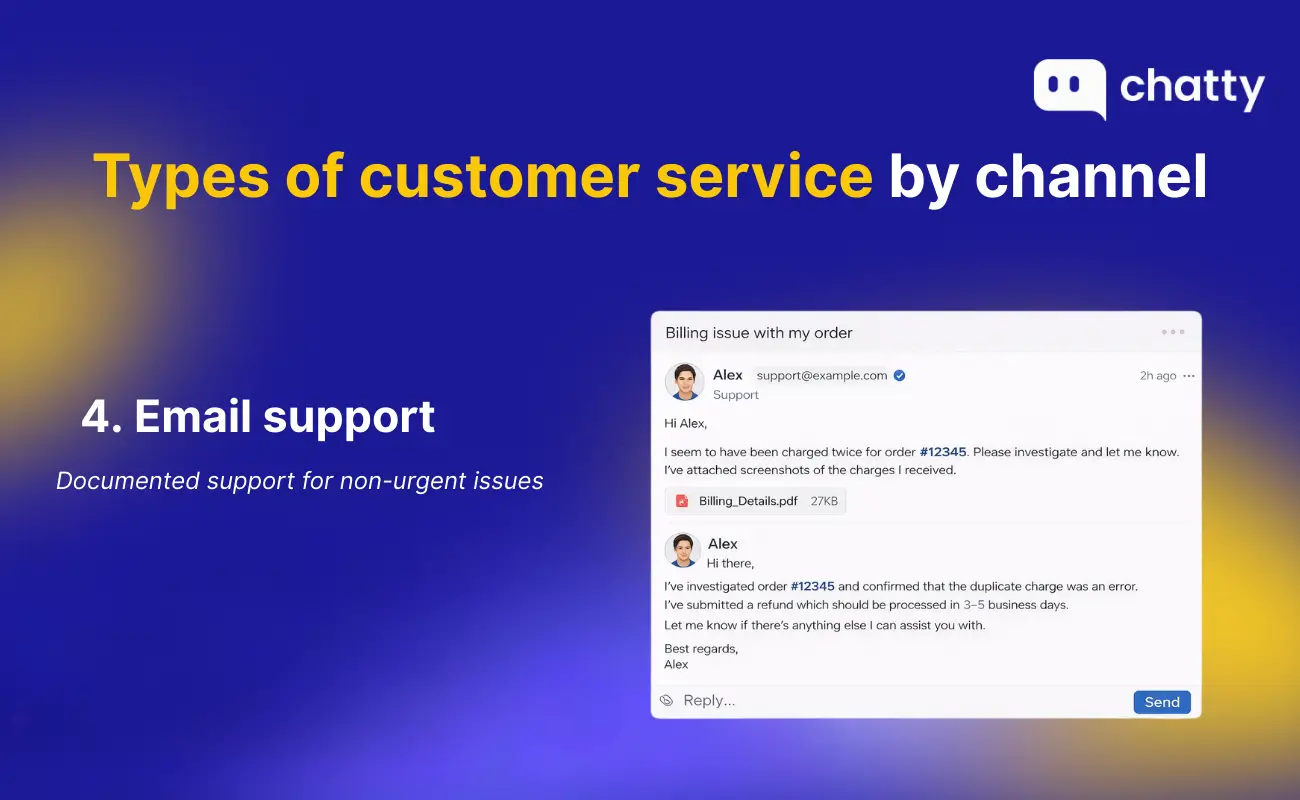
Email is asynchronous by design. The customer writes, you respond when capacity allows, and both sides get a written record. Templates and canned responses let one agent handle dozens of tickets a day without losing personalization.
Best for: documentation-heavy problems (refund requests with receipts, account access issues, billing disputes), and any conversation that benefits from a paper trail.
Trade-off: first-reply time is the slowest of any synchronous channel. If a customer needs an answer to buy, email is the wrong place to send them.
5. Social media support
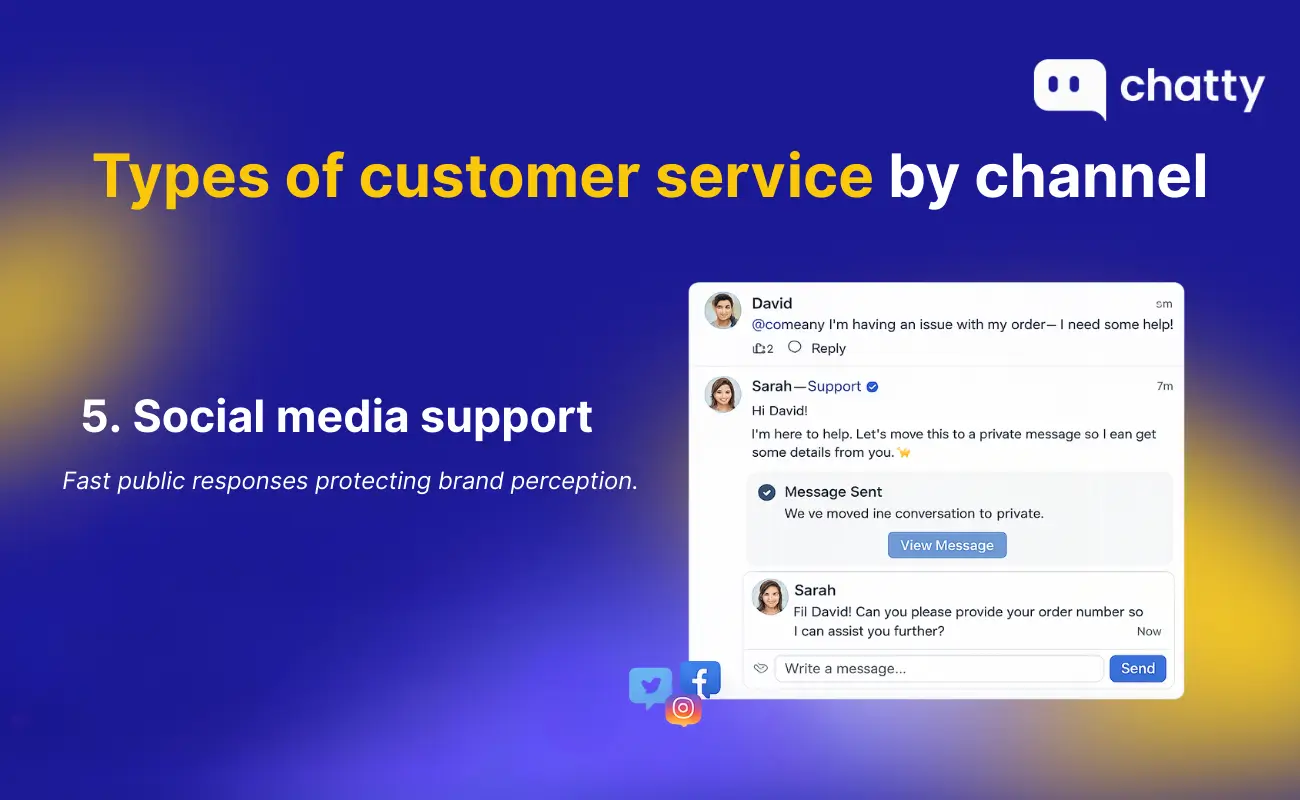
Customers complain on Instagram, X, Facebook, and TikTok whether you are listening or not. Social media customer service is the practice of triaging those conversations: replying to public posts, moving sensitive issues to DM, and turning angry threads into resolved ones in front of an audience.
Best for: brands with strong social presence, viral risk, and a younger customer base that defaults to DM over email.
Trade-off: visibility cuts both ways. A great public reply earns goodwill at scale, but a missed or tone-deaf one travels just as fast.
6. Communities and forums
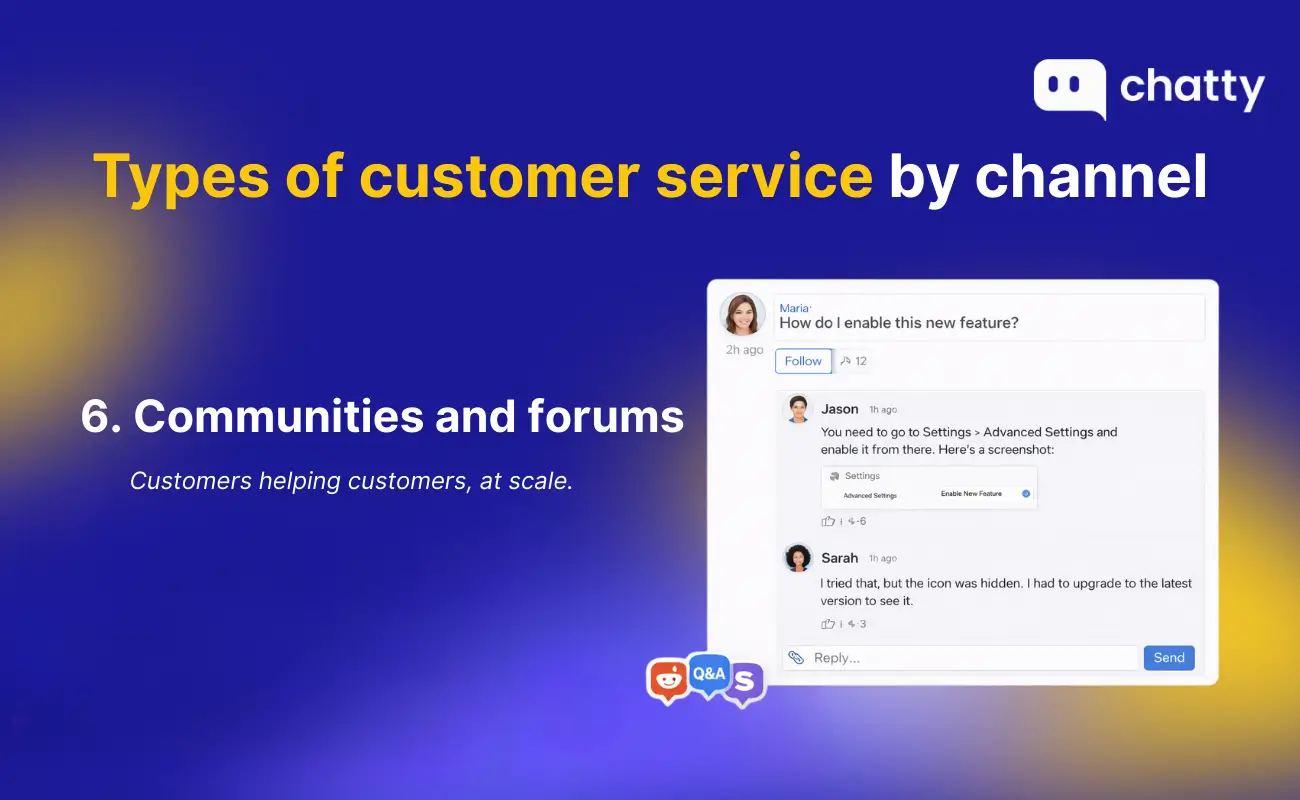
A community is a space (a forum, a Discord, a subreddit, a Facebook group) where customers help each other. The brand provides moderation, escalation paths for unanswered questions, and occasional expert input.
Best for: technical products with power users (SaaS, dev tools, hobbyist gear), and brands strong enough to have evangelists who answer faster than support could.
Trade-off: a community needs critical mass to self-sustain and active moderation to stay healthy. Launch one too early and you get a graveyard of unanswered threads that hurts more than helps.
7. Self-service portals (help center, FAQ)
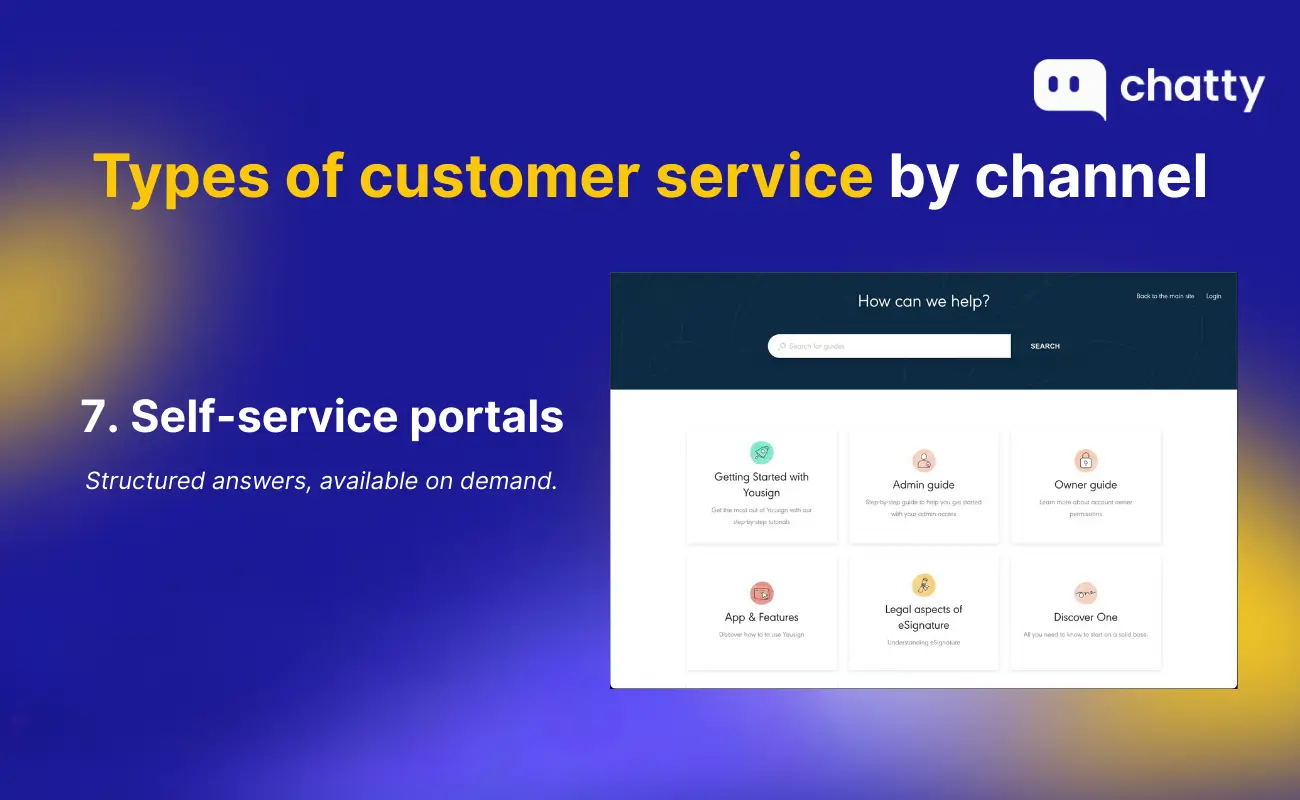
Self-service is the customer answering their own question through a knowledge base, FAQ page, or guided help center. It is the lowest-cost form of support per resolution and the only one that scales without adding headcount.
Best for: repeat questions ("how do I track my order", "what is your return policy"), and any business where ticket volume is growing faster than the team. Templates from our FAQ templates guide can shortcut the buildout.
Trade-off: content gets stale. A help center built once and never updated is worse than no help center at all because it teaches customers your information cannot be trusted.
8. Mobile messaging and SMS
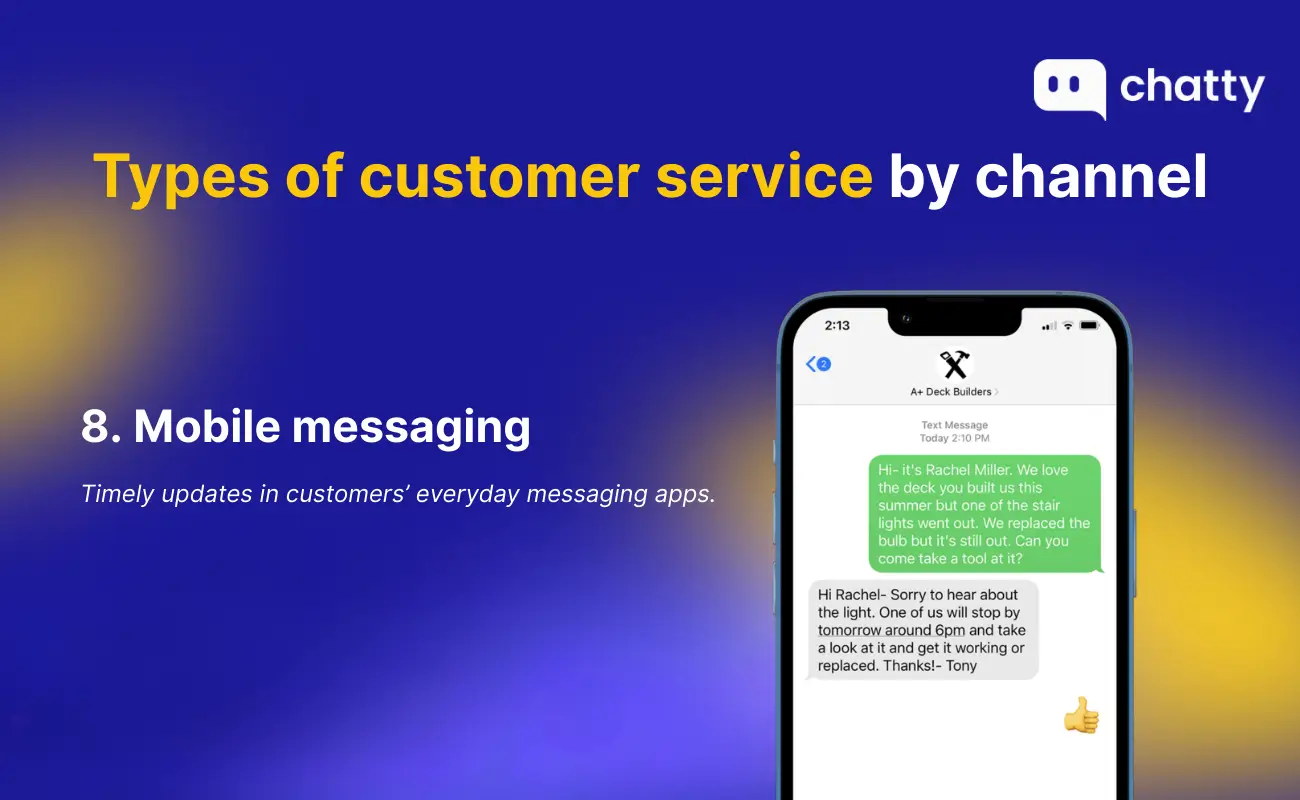
SMS, WhatsApp, Messenger, and similar channels keep a thread open in the customer's pocket. They are the natural home for short, time-sensitive interactions: order updates, delivery exceptions, appointment reminders, and quick replies to "is this back in stock?"
Best for: transactional updates, post-purchase nudges, and markets where messaging apps replace email entirely (most of Asia and Latin America).
Trade-off: the channel is intimate, so any noise feels like spam. Messaging customers more than necessary or with off-tone marketing tanks opt-in rates fast.
9. Omnichannel support
Omnichannel is not a ninth channel — it is the discipline of stitching the previous eight into a single customer view. A shopper starts on chat, asks about a return on email two days later, and calls the next morning. Omnichannel means every agent (or AI) sees the full thread and the customer never has to repeat themselves.
Best for: any brand running more than two support channels and serious about retention. Without it, multi-channel support is just multi-fragmentation.
Trade-off: requires platform integration (CRM, helpdesk, chat, knowledge base talking to each other). The fix is usually a single platform that owns customer state, not bolting more tools onto a sprawl.
Which types should your business actually use?
Almost no business should run all nine. The right mix depends on three things:
- Customer expectation: what channels do your buyers reach for first? A Gen Z DTC brand needs chat and DM. An enterprise B2B account needs email and phone with named owners.
- Ticket volume: below ~50 tickets a week, you can run one channel well. Above 500 a week, self-service and chatbots become non-negotiable just to keep up.
- Cost-to-serve tolerance: what your unit economics can sustain. A $30 AOV store cannot afford phone support on every ticket; a $3,000 AOV store probably should.
A practical starting stack for most growing ecommerce brands looks like this:
- AI chatbot as the always-on first line.
- Live chat handover for high-intent pre-purchase questions.
- Email for documentation-heavy issues.
- Self-service help center to deflect the top 20 repeat questions.
- SMS or messaging for post-purchase updates.
That covers the highest-volume, highest-ROI channels with a team you can actually staff. Add phone, social, or community when a clear customer signal demands it, not because a "complete" support stack is supposed to have them.
Final thought
"Types of customer service" is really a list of trade-offs. Each channel buys you something — speed, scale, intimacy, deflection — and costs you something else. The brands with the best support are not the ones that run every channel. They are the ones that match the right channel to the right moment and refuse to do the rest poorly.
If you are deciding how to redesign your support stack, start with two questions: where do my customers actually try to reach me, and which of those channels can I run well today? Build out from there. The other types will still be there when the business is ready for them.